

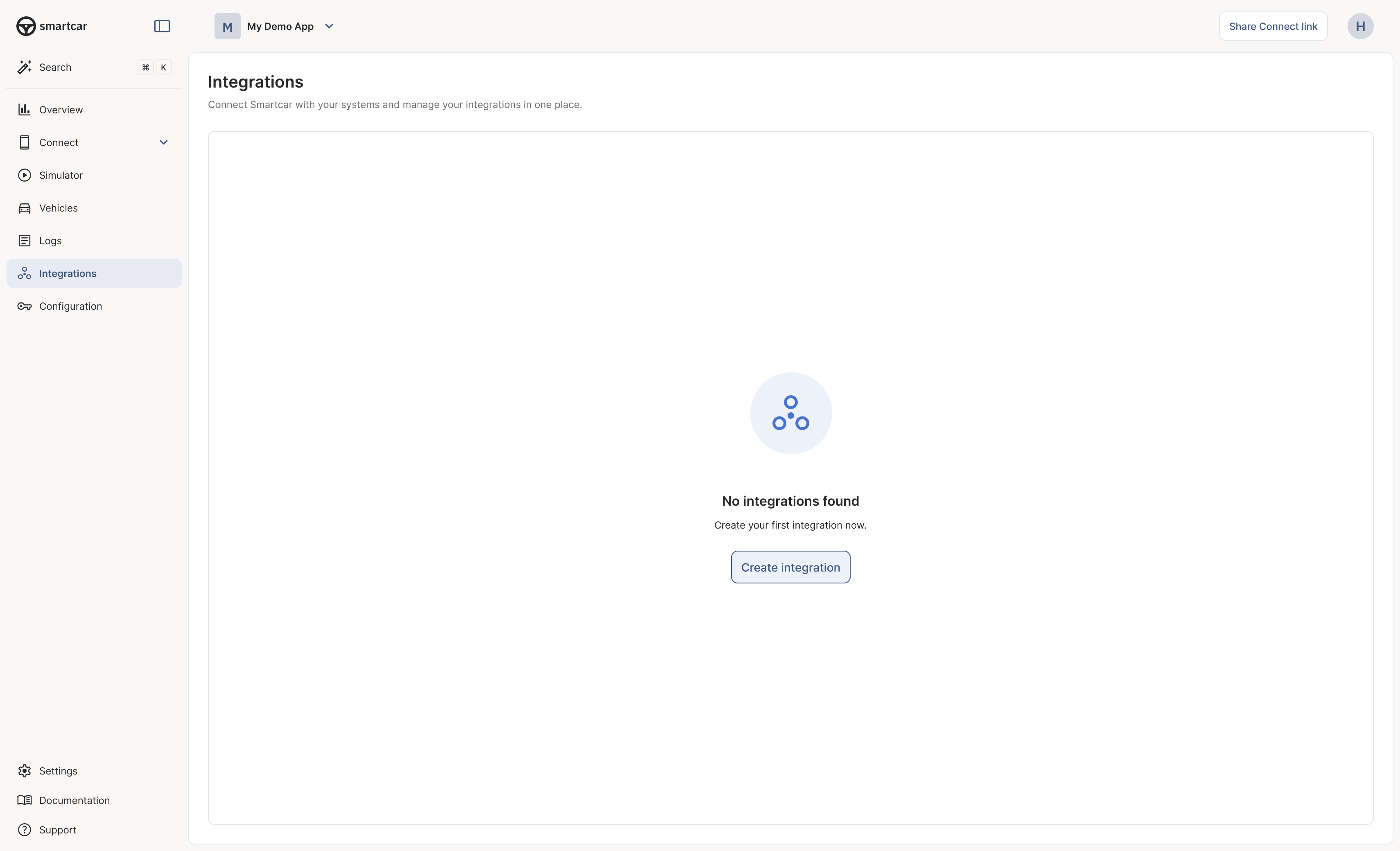
Integrations in Smartcar Dashboard
1
Select an Integration Type
From the integrations page, start by creating a new integration and choosing webhook. For most use cases, webhooks are the recommended option.
2
Choose a Trigger
Define when Smartcar should send you a webhook. This is the vehicle event or condition that causes data to be delivered.Example triggers:
- Vehicle’s battery percentage changes
- Vehicle is plugged in or unplugged
- Odometer changes
- Doors or windows open
- Vehicle location changes
3
Select the Data (Signals)
After choosing a trigger, specify what vehicle data (“signals”) should be included in the webhook payload. Browse the complete Vehicle Signals catalog to see all available data points.Your selection directly maps to the permissions that the vehicle owner granted your application during the connection process. Smartcar offers over 20 specific permissions for granular control.
All selected signals are delivered in every webhook event, not just the signals that triggered it. This ensures you always receive complete vehicle state data.
4
Provide a Callback URI & Verify Your Webhook
Enter the destination URL where Smartcar should send the data. This should be your application’s endpoint to receive webhook payloads.Your callback URI must handle the Resources:
"eventType": "VERIFY" received in the request payload and respond with a 200 status code and a {"challenge": "{HMAC}"} body.Optional: Separate Error Callback URIYou can optionally configure a separate callback URI specifically for
VEHICLE_ERROR events. If not specified, all events (VEHICLE_STATE and VEHICLE_ERROR) will be sent to the same callback URI.- Callback Verification Guide - Learn how to verify your endpoint
- Webhook Receiver Recipe - Deploy a pre-built, verified receiver
- Receiving Webhooks - Build your own receiver from scratch
Next Steps
After creating your webhook, you’ll need to subscribe vehicles to start receiving data.Subscribe Vehicles to Your Webhook
Learn how to subscribe vehicles using auto-enrollment, the Dashboard, or the API
Receiving Webhooks
Learn how to handle incoming webhook deliveries
Event Reference
Complete reference of webhook events and payloads
Verify Your Webhook
Secure your webhook endpoint with verification
Delivery Behavior
Understand retry policies and delivery guarantees