> ## Documentation Index
> Fetch the complete documentation index at: https://smartcar.com/docs/llms.txt
> Use this file to discover all available pages before exploring further.
# Configure Your Application
> Learn how to configure your Smartcar application, including setting up permissions and redirect URIs.
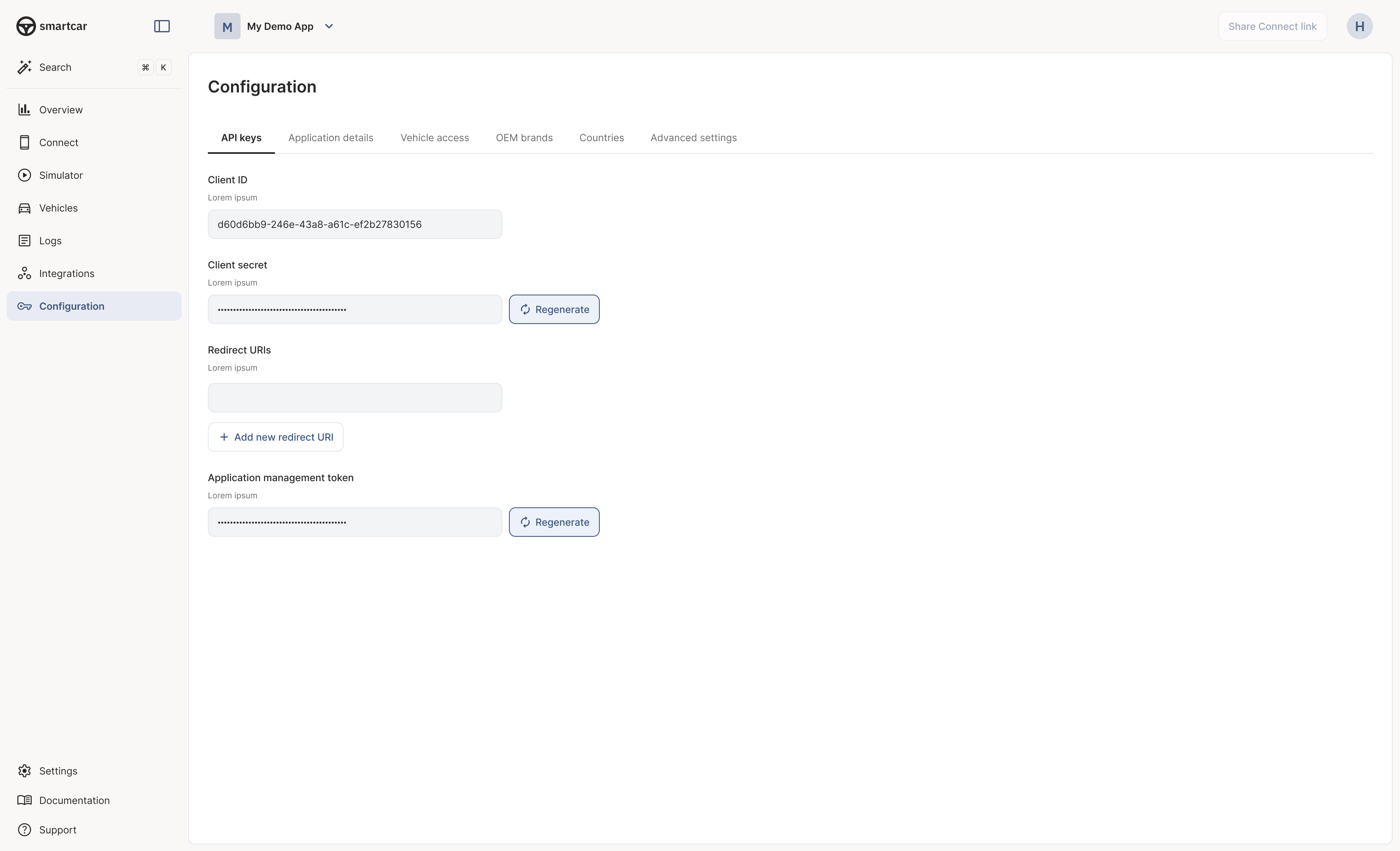
Once you have registered your application in the [Smartcar Dashboard](https://dashboard.smartcar.com), you can configure it to suit your business needs.
## Application Configuration Overview
Your application configuration includes several key components:
* **Application Name & Description**: A clear name and description help users understand what your application does.
* **Redirect URI**: The URL to which users will be redirected after they authorize your application. This must match the redirect URI you use in your OAuth flow.
* **Privacy Policy URL**: A link to your application's privacy policy that will be presented to users during the authorization process.
* **Vehicle Data**: Select the specific vehicle data signals your application will request access to. This determines the permissions your application will need from users.
 #### What’s Next?
* [Connect your first vehicle](/getting-started/connect-vehicles).
* [Build your first integration](/getting-started/integration-overview).
#### What’s Next?
* [Connect your first vehicle](/getting-started/connect-vehicles).
* [Build your first integration](/getting-started/integration-overview).