> ## Documentation Index
> Fetch the complete documentation index at: https://smartcar.com/docs/llms.txt
> Use this file to discover all available pages before exploring further.
# Access Denied
> This error occurs when a user denies your application access to the requested scope of permissions.
| Parameter | Required | Description |
| ------------------- | -------- | ---------------------------------- |
| `error` | `true` | `access_denied` |
| `error_description` | `true` | User denied access to application. |
```http Example redirect uri theme={null}
HTTP/1.1 302 Found
Location: https://example.com/home
?error=access_denied
&error_description=User+denied+access+to+application
```
## Testing
To test this error, launch Smartcar Connect in test mode and select “Deny access” on the permissions screen.
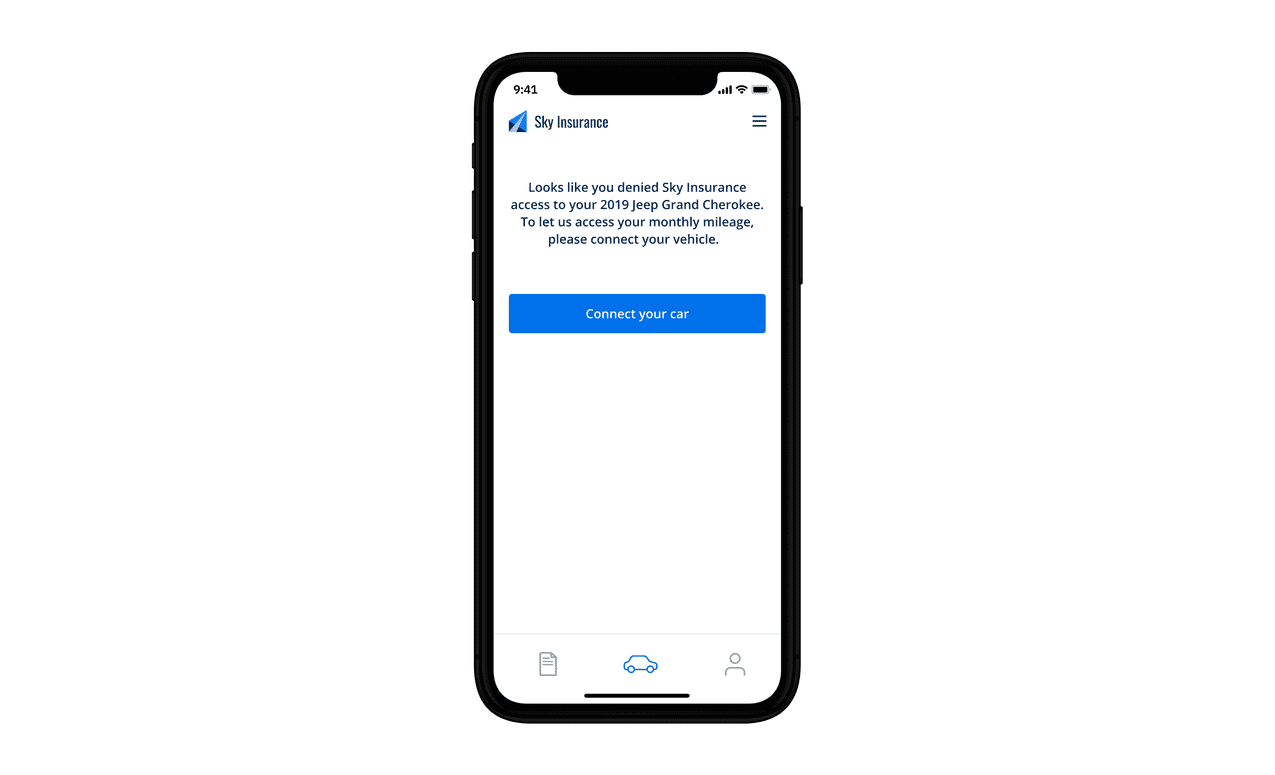
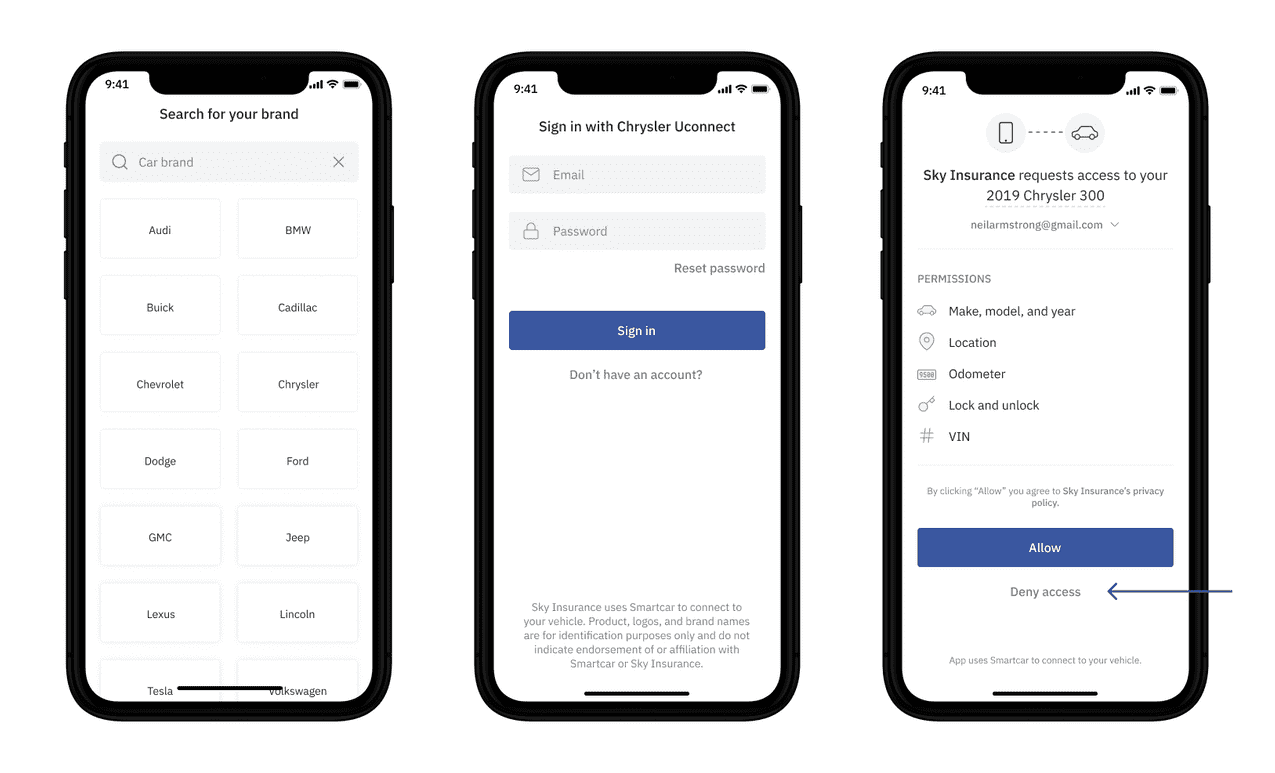 We recommend handling this error by re-prompting the user to authorize their vehicle and adding a message like in the example below.